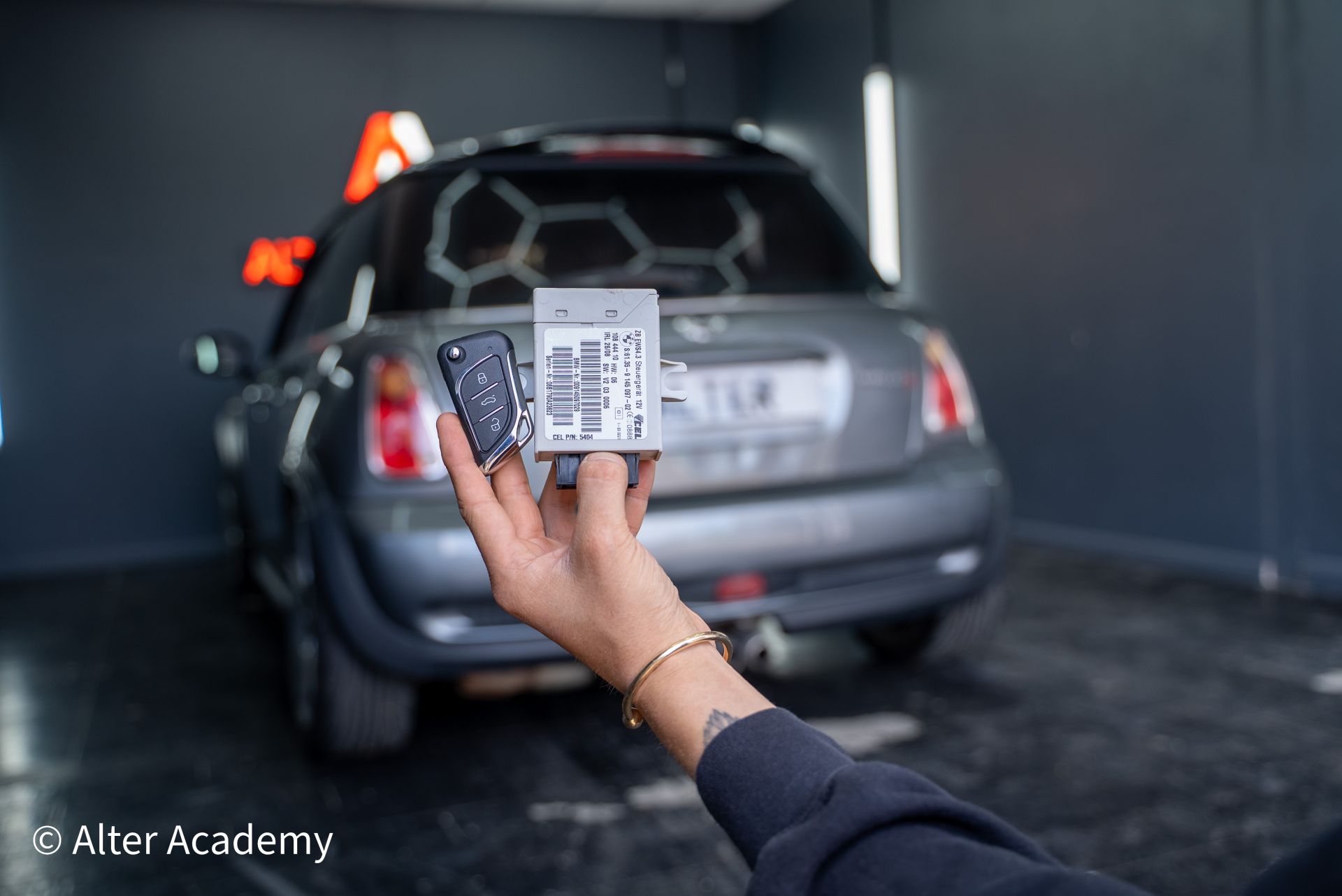
Mini Cooper EWS Course
Mini Cooper (2002-2006) EWS 4.3 Programming
We cover removal of the EWS module, reading the processor on the bench with VVDI Prog,
preparing a dealer key on a PCF7935 chip, and creating a wired Xhorse remote.
Preview Ended
You've reached the free preview limit. Unlock the full EWS 4.3 bench programming tutorial and wiring guides by joining the academy.
Unlock Full Course
Quick Tips (Locked)
System reference data. Values are hidden for non-members.
-
Transponder
Nice try – sign up to see content.
-
System Type
Nice try – sign up to see content.
-
Blade
Nice try – sign up to see content.
-
Remote Model
Nice try – sign up to see content.
-
Programming Method
Nice try – sign up to see content.
-
EWS Location
Nice try – sign up to see content.
-
Frequency (UK)
Nice try – sign up to see content.
Vehicle Coverage
Models covered in this EWS 4.3 training module:
- Mini Cooper R50 (2002–2006)
- Mini Cooper S R53 (2002–2006)
- Models with 3-Button Remote keys
Programmers & Tools
- VVDI2 + VVDI Prog
- Xhorse EWS4 Adapter
- Key Tool Plus (KTP)
- XKMQB1EN Wired Remote
Key Prep: Wired XKMQB1EN
Generating the Mini Cooper wired remote using Key Tool Plus (requires cable).
Sign up to unlock
EWS Reading (VVDI Prog)
Connecting the EWS4 Adapter and reading the MCU data safely on the bench.
Sign up to unlock
Dealer Key Gen (VVDI2)
Loading the dump file and writing the ID to a PCF7935 chip.
Sign up to unlock
Manual Remote Programming
The exact sequence (Lock/Unlock) to sync the remote to the car.
Sign up to unlock
EWS Module Location
Removing the white box (Silver Strap) located above the accelerator pedal.
Unlock Guide
Manual Sync Procedure
Ignition cycle instructions and button press timing for Mini Cooper remotes.
Unlock Guide
Mini Cooper R50 and R53 EWS4.3 key programming course. Learn to remove the EWS module from above the accelerator,
read the processor data using VVDI Prog and the EWS4 Adapter, and generate a dealer key using VVDI2 and a PCF7935 chip.
Course includes preparation of Xhorse XKMQB1EN Wired Remotes via Key Tool Plus and the manual on-board remote programming procedure.